
Knowledge centre · Ratings
CQC ratings explained
CQC uses four ratings: Outstanding, Good, Requires improvement and Inadequate. Ratings are given for each of the five key questions — Safe, Effective, Caring, Responsive and Well-led — and combined into an overall rating for the service.
MyCareCompliance brings practical CQC audits, evidence, workforce oversight and improvement actions into one platform for adult social care providers.
7 days free. Plans from £24.99 per organisation per month, inclusive of VAT. Features vary by plan. Compare plans and trial terms.
Last reviewed: 10 October 2026. Independent guidance from AJG Advisory — not official CQC guidance. Always check the official sources listed below for current requirements.
Who it applies to
Any provider wanting to understand how its CQC rating is reached and what it means.
The four ratings
- Outstanding — the service is performing exceptionally well
- Good — the service is performing well and meeting expectations
- Requires improvement — the service is not performing as well as it should
- Inadequate — the service is performing badly and CQC has taken or may take action
How scores build into ratings
Under the single assessment framework, CQC scores evidence for each quality statement it looks at on a scale of 1 to 4. Those scores are combined to give a rating for each key question, and the key question ratings are combined into the overall rating.
What the rating means in practice
- Ratings must be displayed at the service and on your website
- Commissioners, families and staff often use ratings when choosing a service
- A Requires improvement or Inadequate rating usually means closer monitoring and a further assessment
- Breaches of regulation can lead to requirement notices or enforcement action, separate from the rating
Internal audit questions
- 1.Is your current rating displayed correctly at the premises and on your website?
- 2.Do you know which key question pulled your rating down last time?
- 3.Is there evidence of improvement against each previous finding?
Practical checklist
- Rating displayed as required
- Previous report findings listed in your action plan
- Evidence gathered against each key question
How MyCareCompliance can help
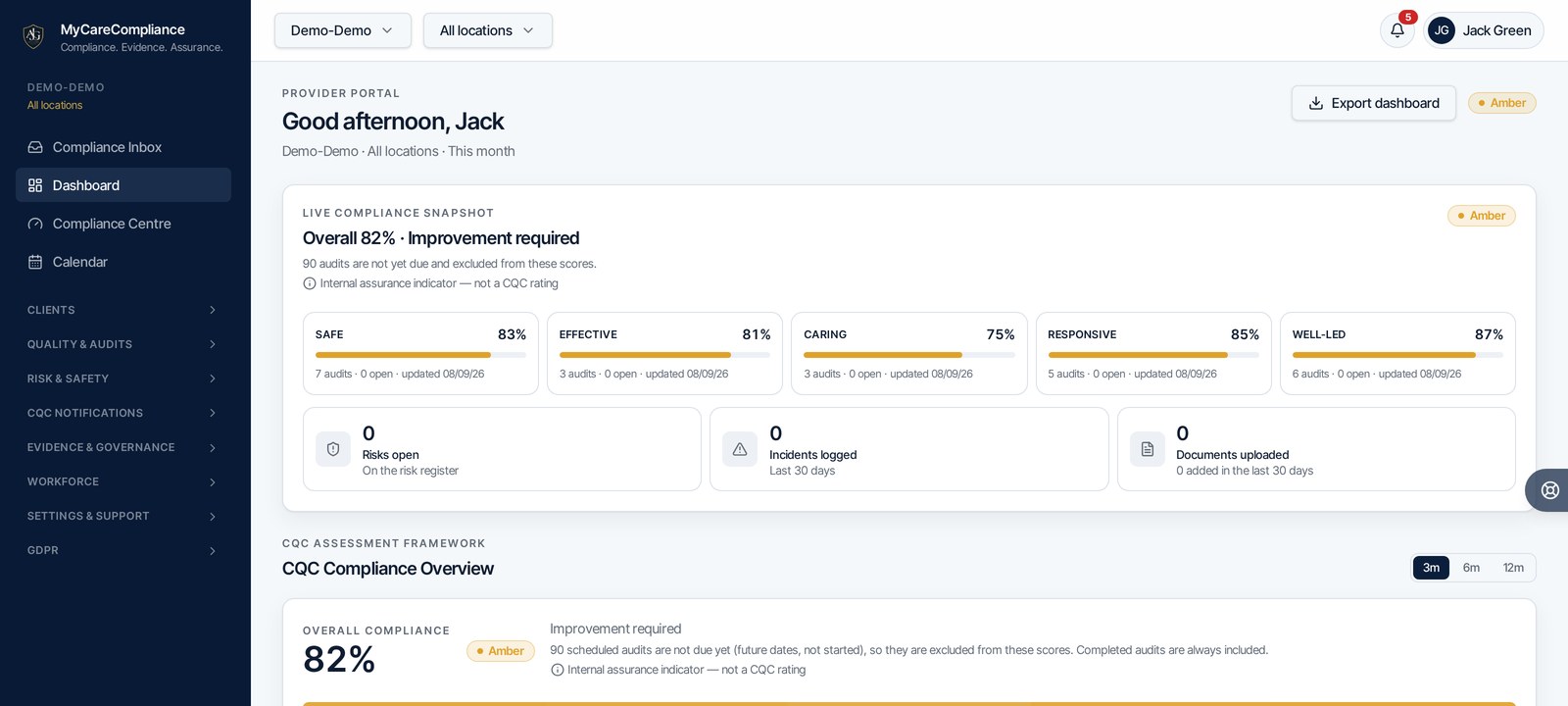
MyCareCompliance scores your audits against the CQC quality statements and rolls them up into the five key questions, so you can see where you are likely to be strong or weak before an assessment.
Official sources
MyCareCompliance is founded by Jack Green, ACC Accredited Care Consultant, with over 10 years in adult social care and registered manager experience. Read Jack’s background.
See how the platform organises this work
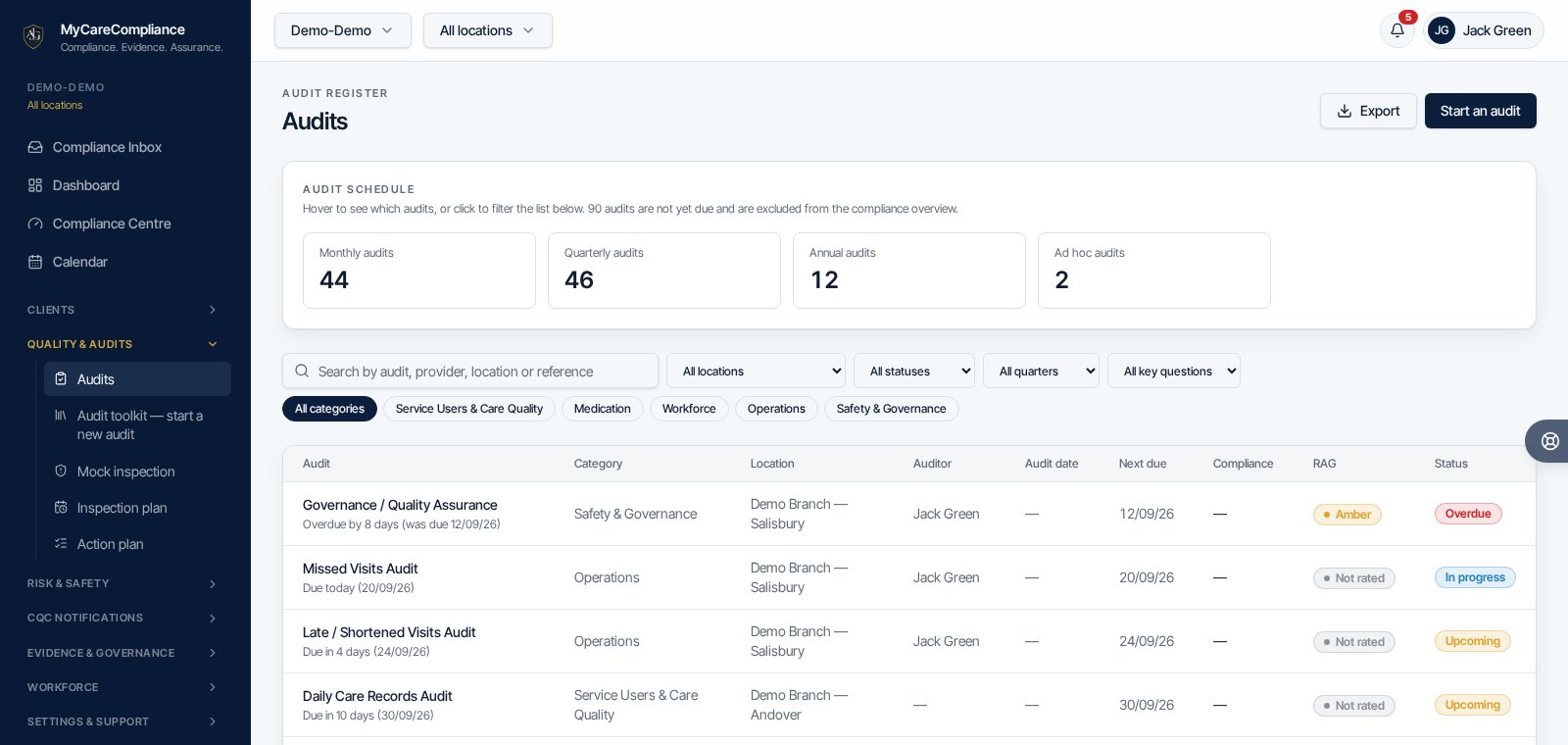
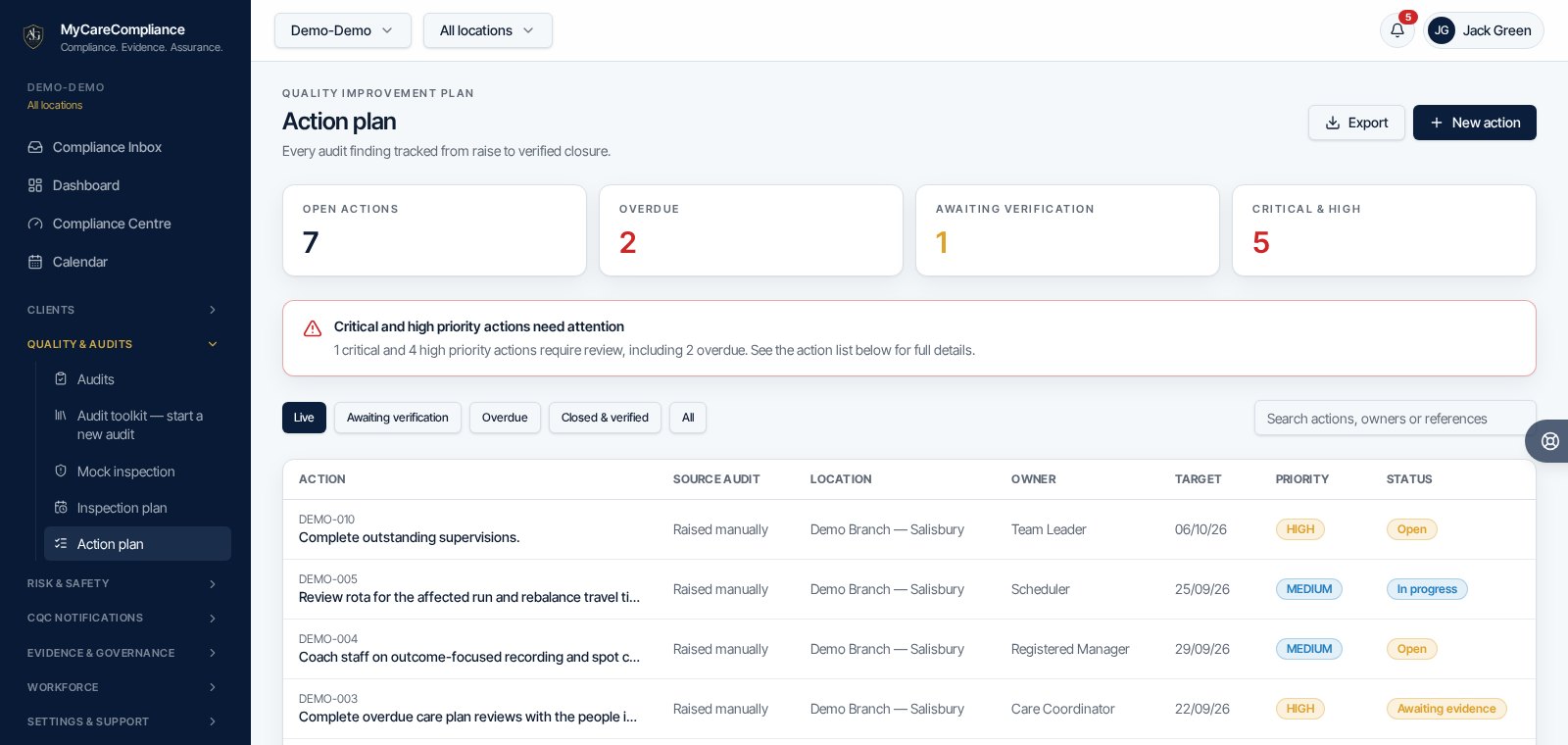
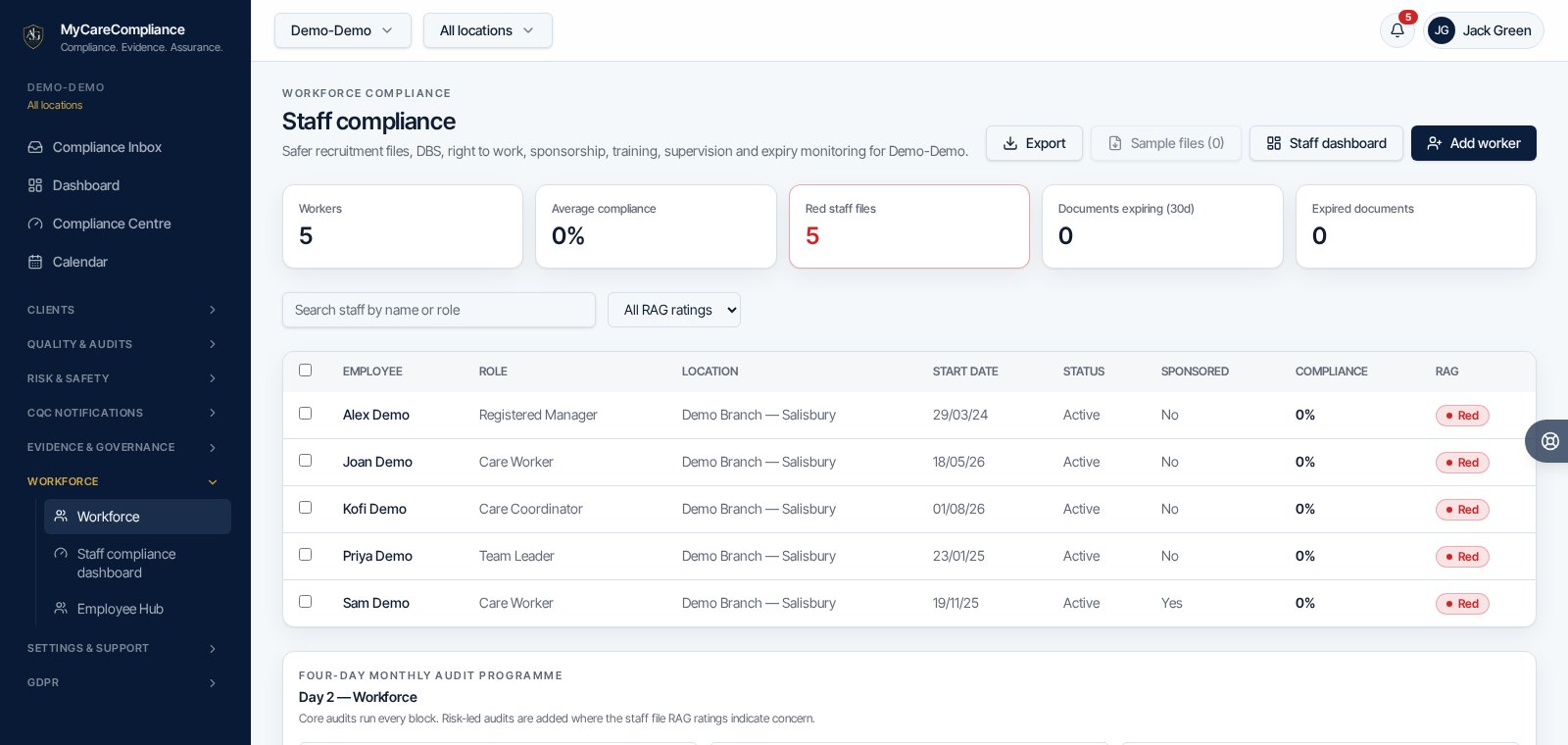
Genuine product screenshots using demo data. Scores show internal assurance, not CQC ratings. Features vary by plan.
Need to manage this in your service?
Use MyCareCompliance to organise audits, actions, evidence and governance in one place. 7 days free, then from £24.99 per month for the whole organisation, inclusive of VAT. Features vary by plan.
MyCareCompliance does not guarantee a CQC rating or inspection outcome.