
Knowledge centre · Reports
How to complete a CQC factual accuracy check
Before CQC publishes a report, the provider is sent a draft and invited to check it for factual accuracy and completeness. It is your chance to correct errors and point to evidence that was missed — but it is not an appeal against the rating.
MyCareCompliance brings practical CQC audits, evidence, workforce oversight and improvement actions into one platform for adult social care providers.
7 days free. Plans from £24.99 per organisation per month, inclusive of VAT. Features vary by plan. Compare plans and trial terms.
Last reviewed: 10 October 2026. Independent guidance from AJG Advisory — not official CQC guidance. Always check the official sources listed below for current requirements.
Who it applies to
Registered managers and nominated individuals who have received a CQC draft report.
What you can comment on
- Facts that are wrong, such as dates, numbers, names or service details
- Evidence that existed at the time but was not taken into account
- Statements that are incomplete in a way that changes their meaning
What does not usually succeed
- Disagreeing with a judgement without new factual evidence
- Evidence of improvements made after the assessment
- Long general statements about the quality of the service
How to write good comments
- Use the CQC form and keep to the deadline in the covering letter
- Quote the exact sentence, say what is wrong, and give the correct fact
- Attach or reference specific evidence that was available at the time
- Keep a calm, factual tone throughout
Internal audit questions
- 1.Has every inaccuracy been matched to evidence dated before the assessment?
- 2.Have you separated factual errors from disagreements with judgements?
- 3.Will the response be submitted before the deadline?
Practical checklist
- Draft report read line by line
- Errors logged with the correct fact and evidence
- Response checked by a second senior person
- Submitted on the CQC form by the deadline
How MyCareCompliance can help
Because MyCareCompliance stores dated audits, evidence and action history, you can quickly find documents that existed at the time of the assessment to support factual accuracy comments.
Official sources
MyCareCompliance is founded by Jack Green, ACC Accredited Care Consultant, with over 10 years in adult social care and registered manager experience. Read Jack’s background.
See how the platform organises this work
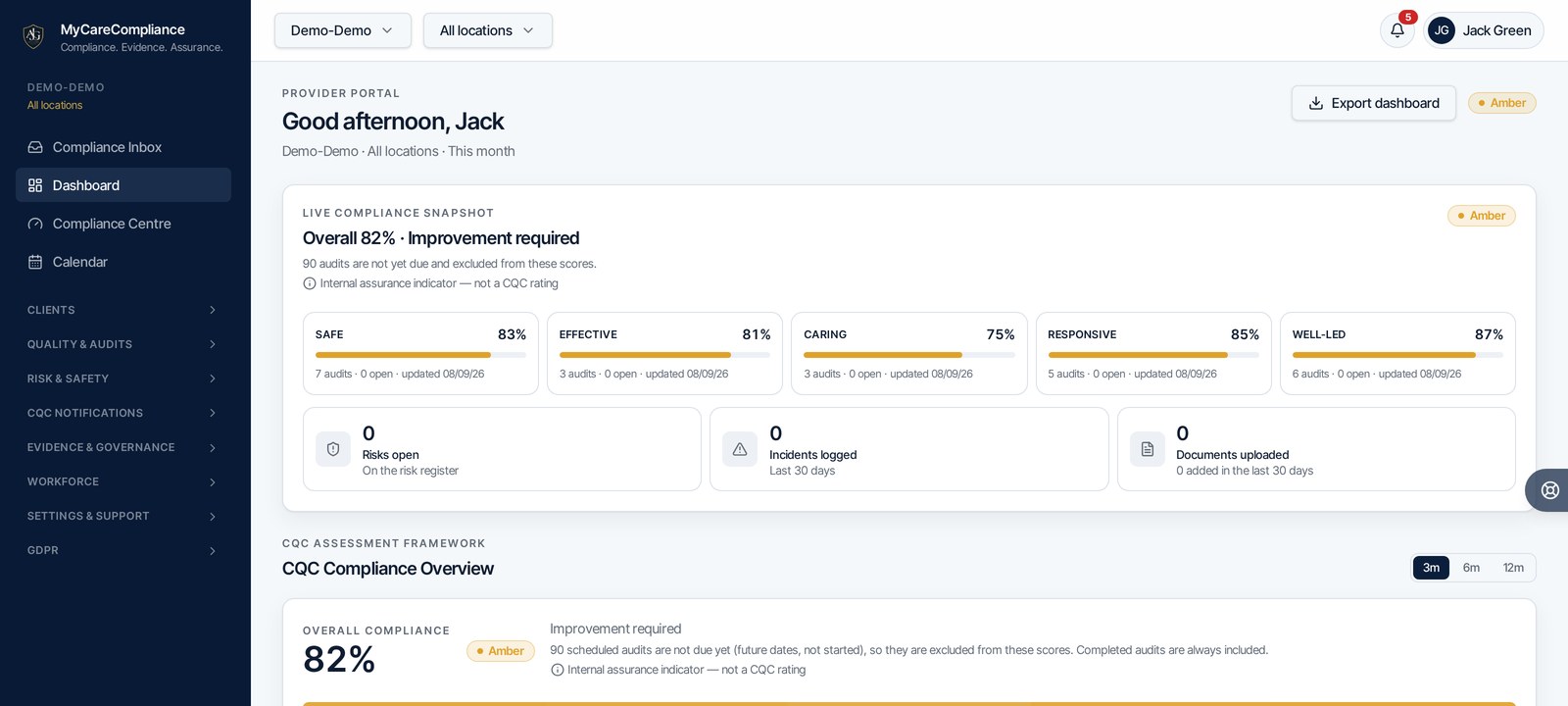
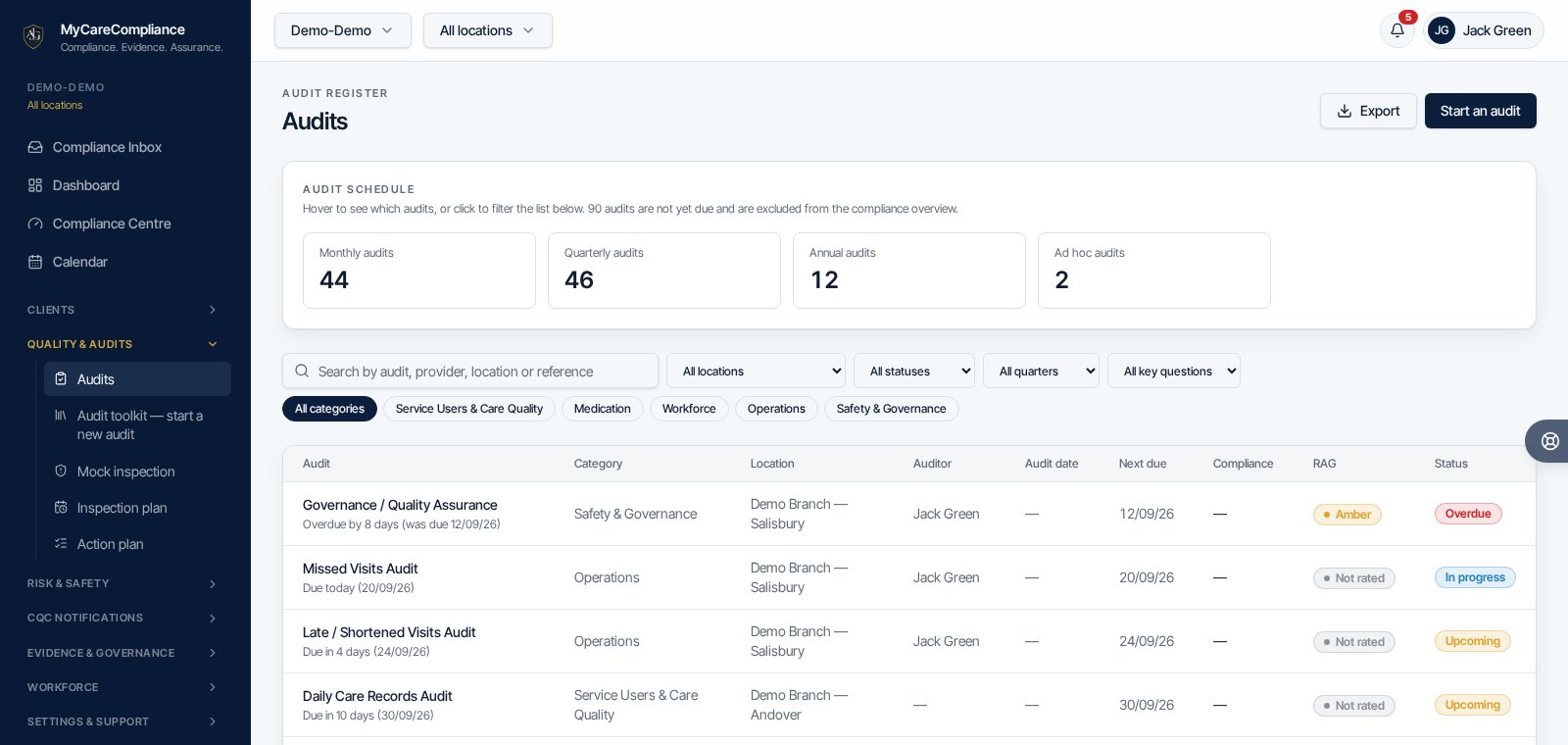
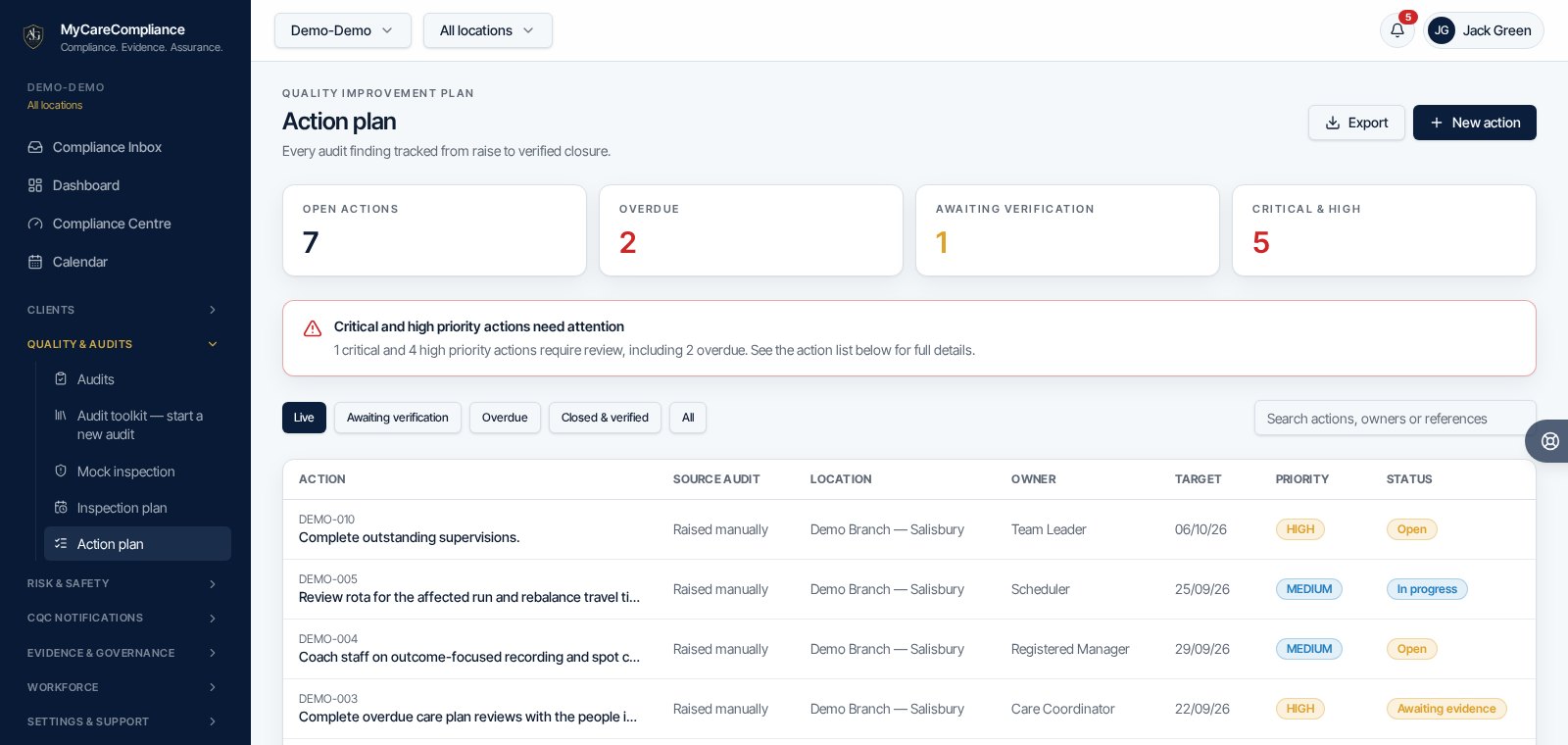
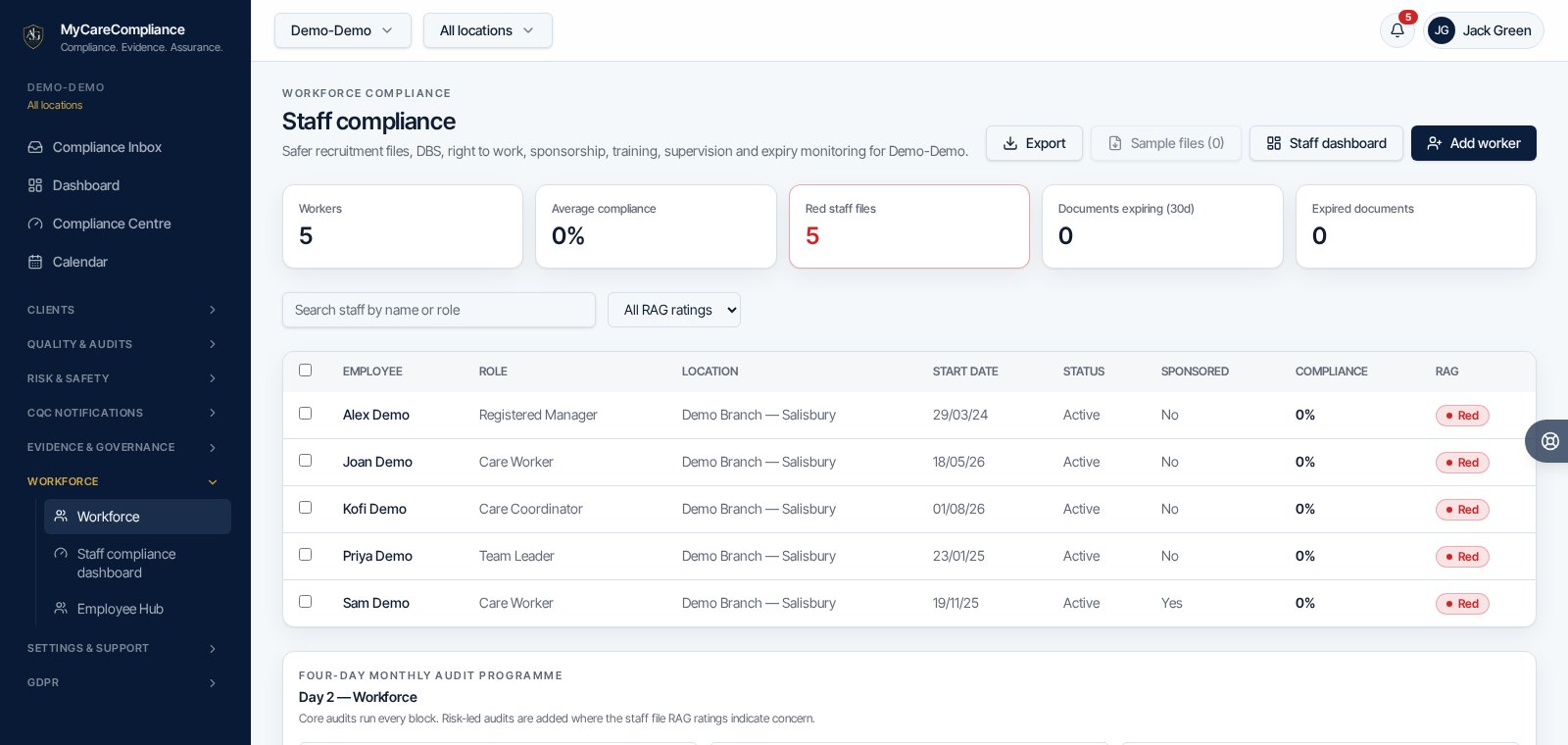
Genuine product screenshots using demo data. Scores show internal assurance, not CQC ratings. Features vary by plan.
Need to manage this in your service?
Use MyCareCompliance to organise audits, actions, evidence and governance in one place. 7 days free, then from £24.99 per month for the whole organisation, inclusive of VAT. Features vary by plan.
MyCareCompliance does not guarantee a CQC rating or inspection outcome.